One minute to set up.
No code, no manual date edits.
Install
Add Last Updated to your Wix site.
Place the badge
On any page, in light or dark text, with 3 date formats.
Keep editing
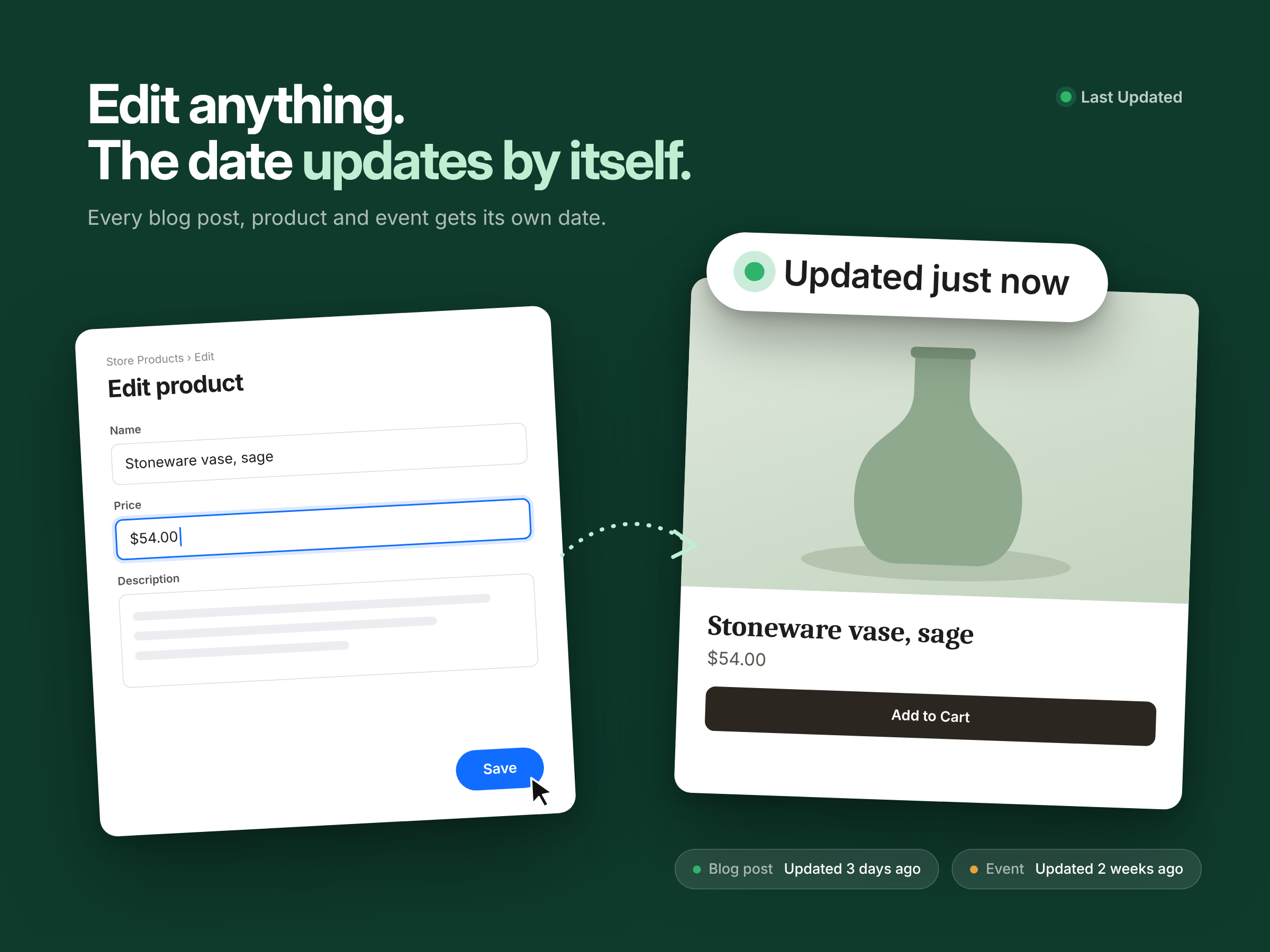
With Pro, the date updates by itself when you edit content.
Get reminded
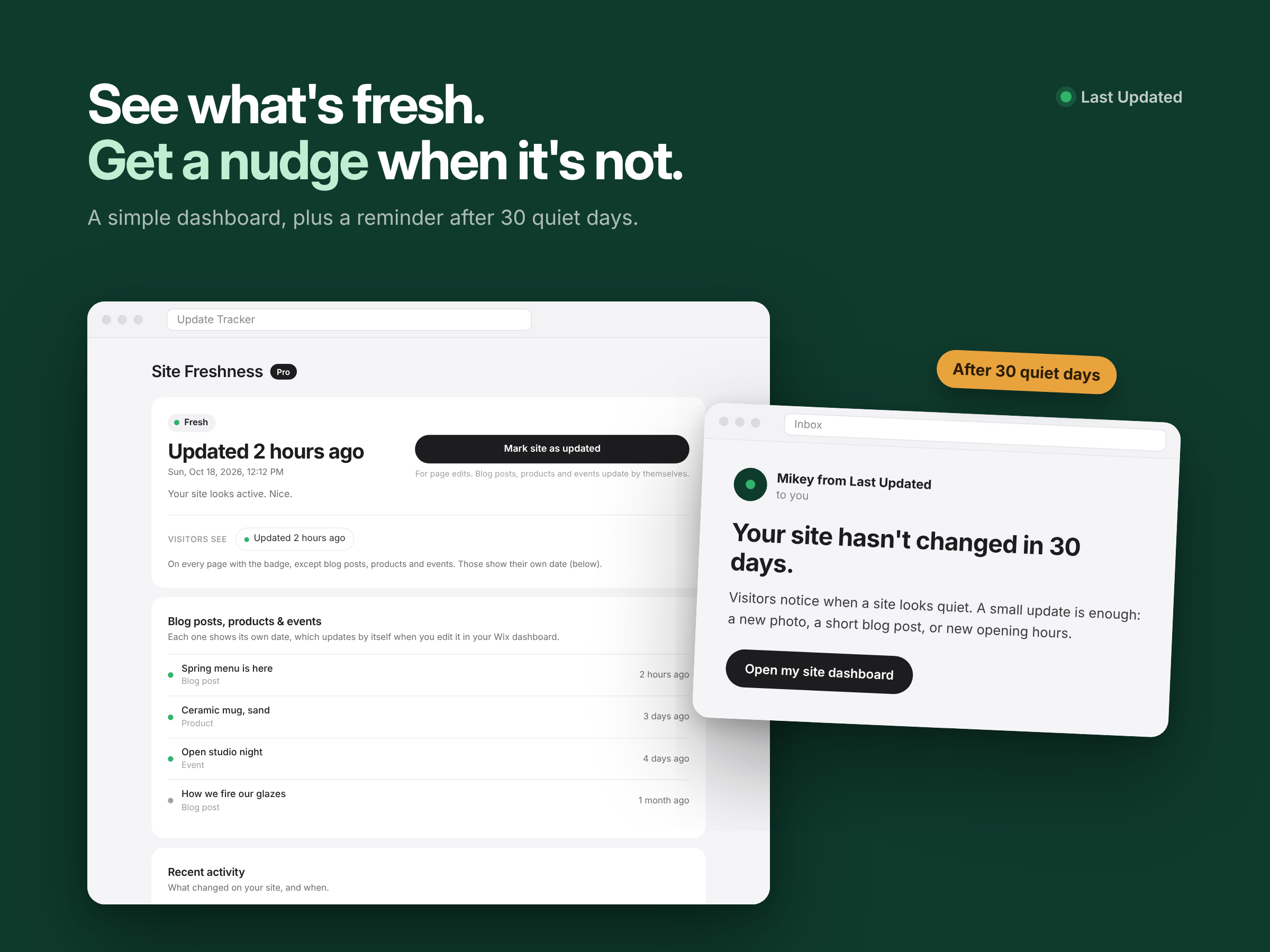
If your site is quiet for 30 days, we send a friendly nudge.
Freshness, on autopilot.
Last updated badge
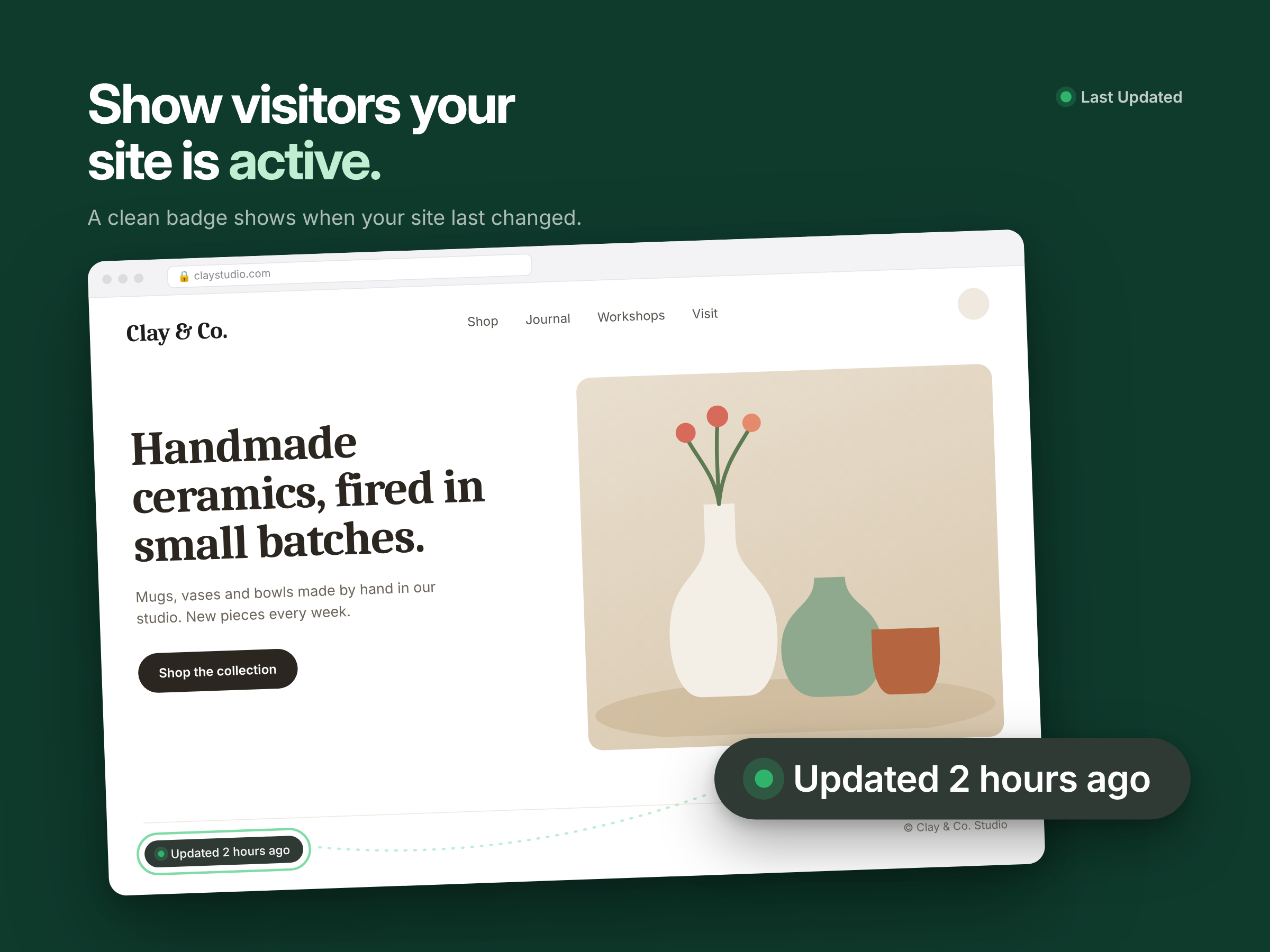
A clean badge on any page that shows when your site last changed.
Freshness dot
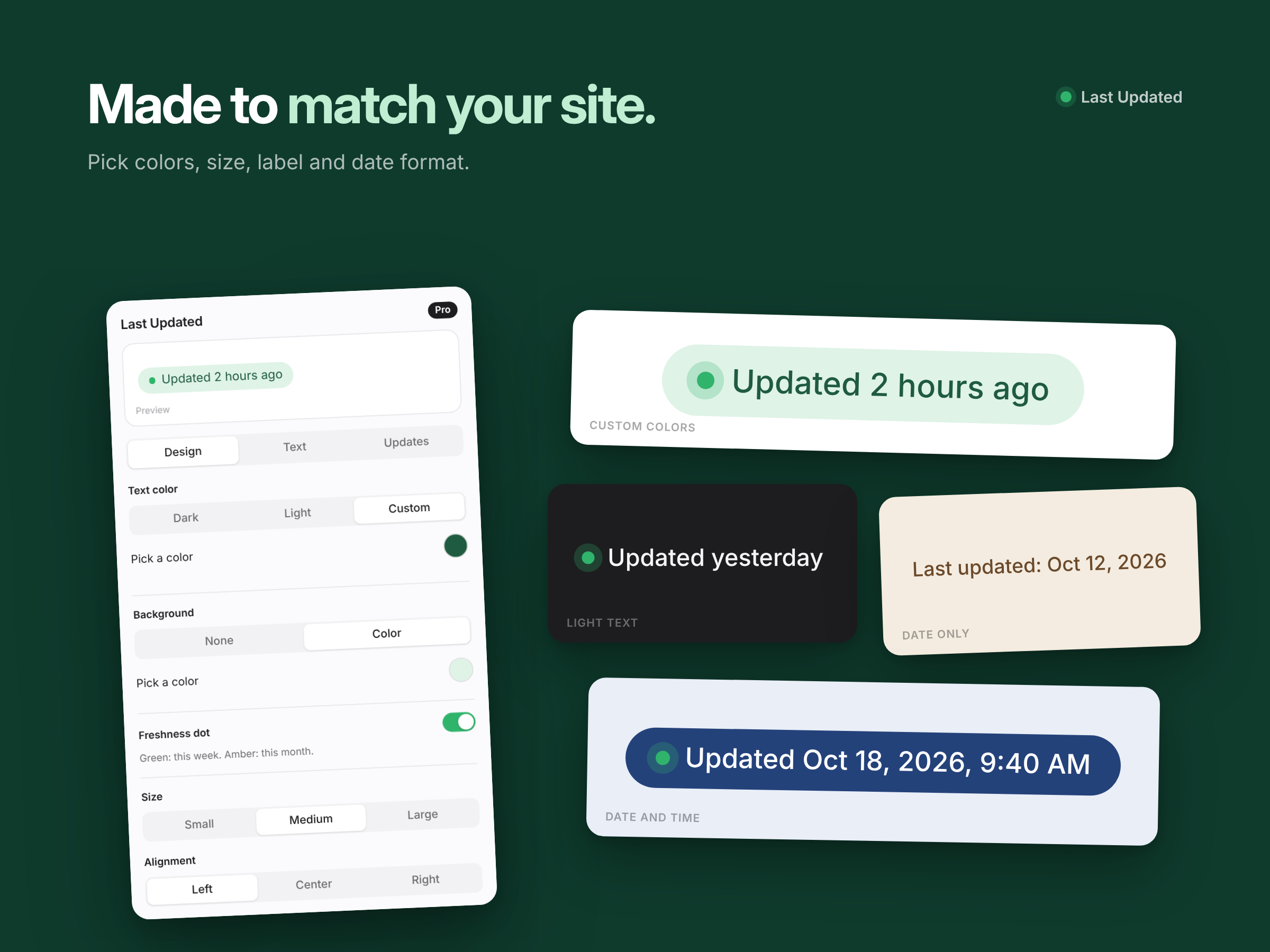
Green, amber or grey, so visitors see at a glance.
One-click update
Mark the site as updated with one click on the free plan.
Automatic dates
Pro updates the date when you edit blog posts, products, events and more.
Per-page dates
Pro gives every blog post, product and event its own date.
Tells Google
Pro tells Google when pages change and reminds you after 30 quiet days.
See it in action.
Start free.
Upgrade when you need more. Plans and billing are handled by Wix.
- Last updated badge on any page
- One-click Mark as updated
- Light or dark text, 3 date formats
- Freshness dot: green, amber, grey
- Auto updates from blog, store & more
- Own date for each post and product
- Tells Google when pages change
- Custom colors, no branding link
Questions.
How do I show a last updated date on my Wix site?
Install Last Updated from the Wix App Market and place the badge on any page. On the free plan you mark the site as updated with one click; on Pro the date updates by itself whenever you edit content.
Can each blog post show its own updated date?
Yes, on Pro. Every blog post, product and event gets its own date.
Does a last updated date help SEO?
Fresh, regularly updated content is something visitors and search engines notice. Pro also tells Google when your pages change. The badge itself doesn't guarantee rankings.
Can I match it to my design?
Choose light or dark text and 3 date formats on Free. Pro adds custom colors and removes the branding link.
Step-by-step guide: How to show a "last updated" date on your Wix site
More questions? hello@brivanolabs.com